Please provide the following information and we'll respond soon!
hubspot-account
Hubspot setup
Step 1:Click on Connect app
Step 2: Login using your Hubspot account and get authorized by clicking on Grant Access.
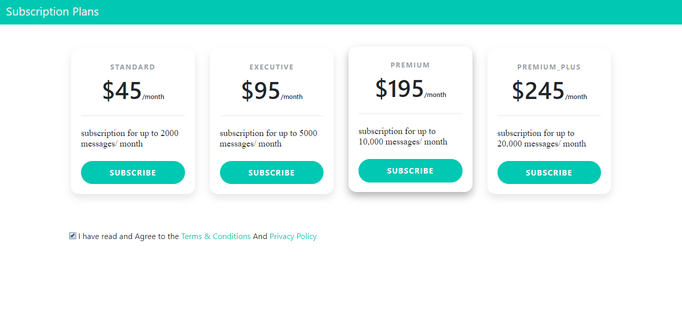
Step 3:Now, you will be redirected to our subscription page. Subscribe for a plan and start using the application.
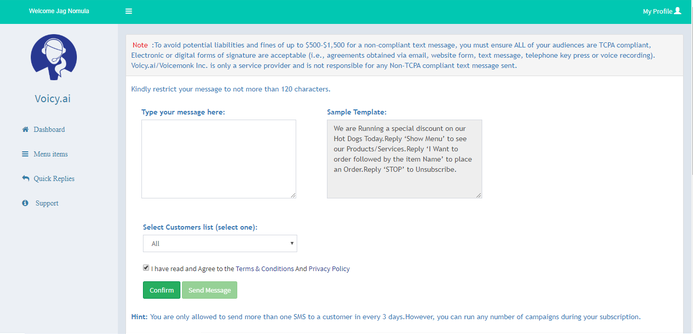
Step 4: You will enter into the application Dashboard after successful subscription, You can start running an SMS campaign and all the contacts in your Hubspot account will automatically sync with the app.
How to Re-connect/Login-in to the application ?
Step-1 : Click on “More” in the connected apps in your account.
Step-2 : Click on the website url link, Which is available in contact support and then it will redirect to our website.
Step-3 : Click on “Hubspot Login”Buton to connect Lucy SMS Marketing through your Hubspot account